Make a print
Pick an illustrated design, write a note, or upload an image. See the actual print at your printer’s paper width.
Custom artwork. Expressive typography. Useful little prints. Choose a design, make it yours, and put it on paper.
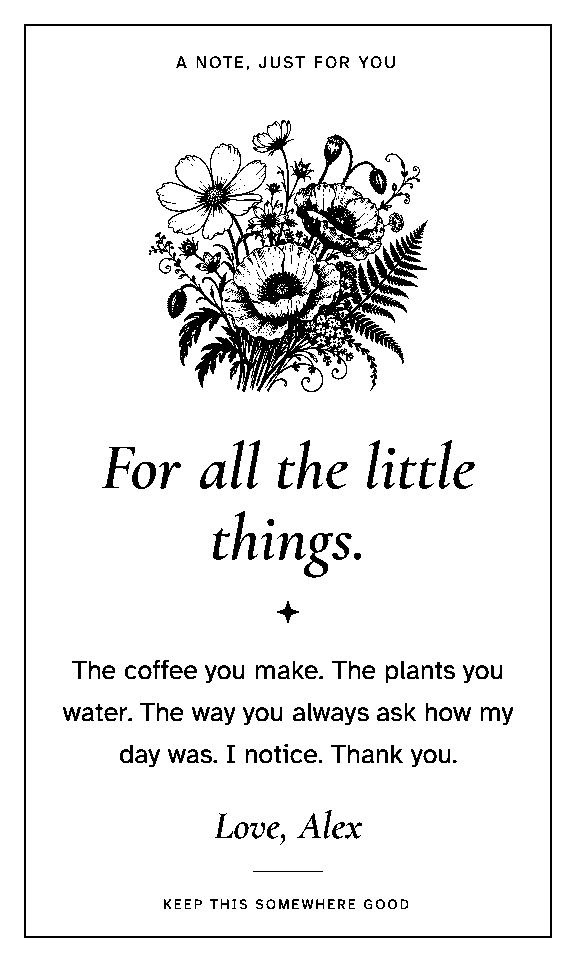
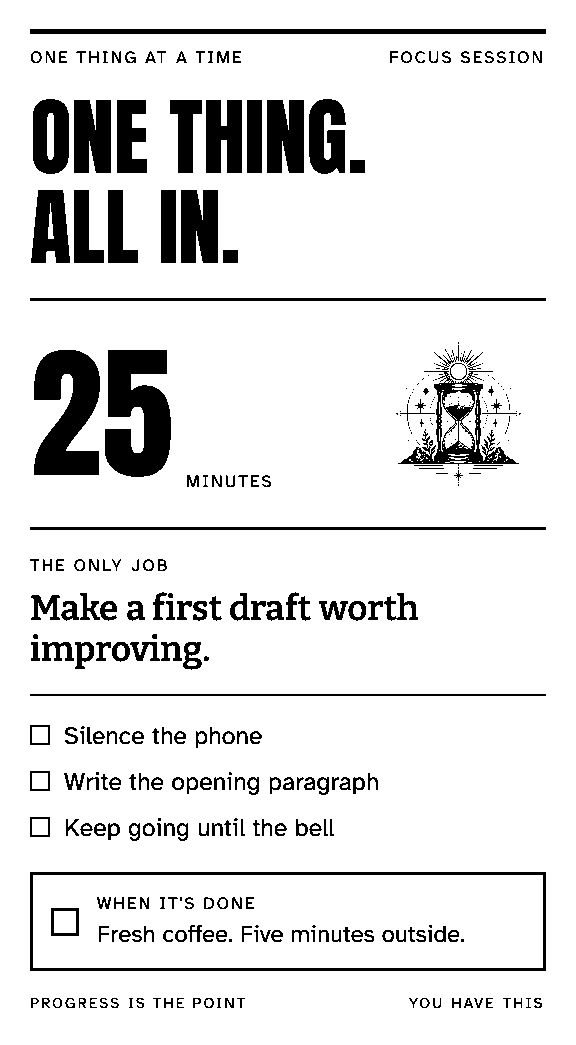
Pick an illustrated design, write a note, or upload an image. See the actual print at your printer’s paper width.
Make a personal note, a recipe card, or a focus plan. Keep the artwork and typography; change the details each time.
The desktop app receives your prints in the background. Add schedules, webhooks, or your own tools.
The Slipbridge CLI is the printing engine behind the app. Use it on its own to print text, Markdown, and images from your terminal or agent. Local printing needs no account.
Explore the CLI